Deprecated: mb_convert_encoding(): Handling HTML entities via mbstring is deprecated; use htmlspecialchars, htmlentities, or mb_encode_numericentity/mb_decode_numericentity instead in /home/cardenitservices/public_html/wp-content/themes/hello-elementor-child/functions.php on line 128
If someone guessed or stole a password today, would they be able to access your business accounts?
Relying on a username and password alone is no longer enough. Passwords can be guessed, reused, stolen in phishing attacks, or even seen by someone nearby. Multi-Factor Authentication adds a second check that makes it far harder for criminals to access your systems, even if they already have the password.
What Is Multi-Factor Authentication?
Multi-Factor Authentication, often shortened to MFA, is an extra layer of security that requires something additional to prove a user is genuine. It is sometimes also called two-factor authentication or 2FA.
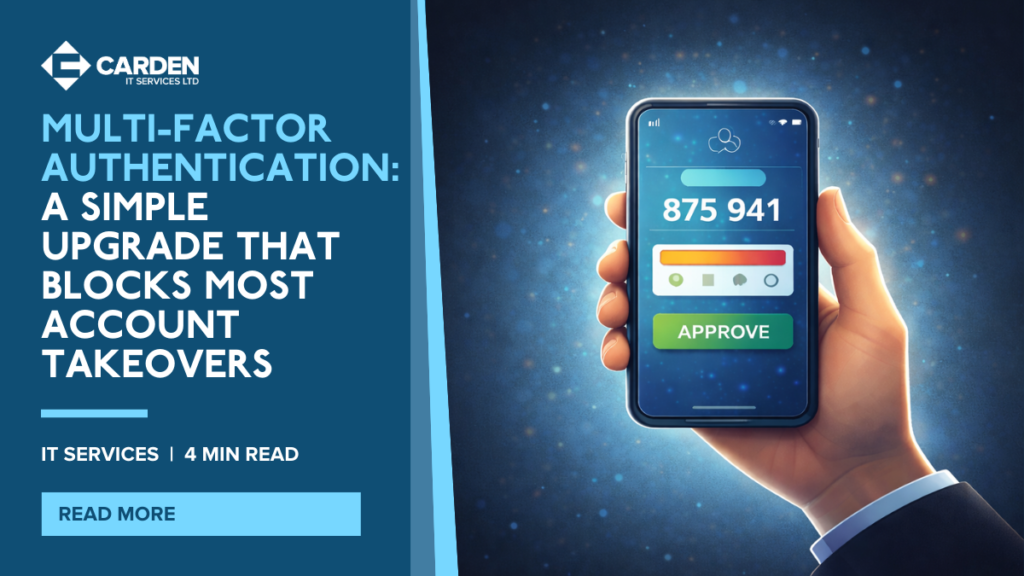
Instead of logging in with only a username and password, MFA also asks for a second factor, such as a code from an app, a text message code, or a physical USB key.
Why Passwords Alone Put Businesses at Risk
A password does not prove identity. It only proves someone knows a password, and that password may have been obtained in a number of ways.
Common ways attackers gain passwords include:
- Phishing emails and fake login pages
- Password reuse across multiple services
- Weak or predictable passwords
- Data breaches on other platforms
- Passwords being seen or shared unintentionally
MFA helps prevent an account takeover even when a password has been compromised.
What Are the Advantages of MFA?
MFA dramatically increases the security of any login because access requires more than just the password. An attacker would typically also need physical control of your phone or security key.
In most cases, MFA codes are time-limited and expire within minutes, which makes them far less useful to criminals.
The Different Types of Multi-Factor Authentication
| MFA Method | How It Works | Security Level |
|---|---|---|
| Authenticator App (Recommended) | A mobile app generates a new code every 30 seconds | High |
| USB Security Key | A physical device must be plugged in to authenticate | Very High |
| SMS Code | A text message code is sent to a phone number | Moderate |
Which MFA Method Should You Use?
Not all MFA methods offer the same protection. Some are easier for attackers to bypass than others.
- Authenticator apps are often the best balance of security and ease of use, and work with many business platforms.
- USB security keys provide very strong protection, particularly for administrators and high-risk accounts, but can be inconvenient if lost.
- SMS codes are better than nothing, but they are the least secure option due to risks like SIM swapping and impersonation attacks against mobile providers.
How Carden IT Services Helps You Implement MFA Properly
At Carden IT Services, we help businesses roll out MFA in a way that improves security without disrupting day-to-day work.
For organisations using Microsoft Office 365, we can implement conditional access controls that enforce MFA and help prevent users from switching it off. We can also put monitoring in place so unusual changes are flagged quickly and investigated.
Most importantly, we support your team through the setup process, so adoption is smooth and consistent across the business.
Make Account Security a Strength, Not a Weakness
MFA is one of the simplest and most effective steps you can take to reduce the risk of account compromise. It helps protect your email, files, systems, and customer data, even when passwords are leaked or stolen.
If you want to strengthen your login security and roll out MFA across your organisation, contact Carden IT Services today for a consultation or quote.