
Deprecated: mb_convert_encoding(): Handling HTML entities via mbstring is deprecated; use htmlspecialchars, htmlentities, or mb_encode_numericentity/mb_decode_numericentity instead in /home/cardenitservices/public_html/wp-content/themes/hello-elementor-child/functions.php on line 128
How would you know if an email that looks like it came from your domain was actually sent by an attacker?
Email spoofing is one of the simplest ways criminals trick people into trusting a message. If an attacker can make an email appear to come from your business, they can target your staff, customers, and suppliers with convincing phishing attempts.
Sender Policy Framework, commonly shortened to SPF, is a proven method for reducing spoofing and improving trust in your email domain.
What Is a Sender Policy Framework?
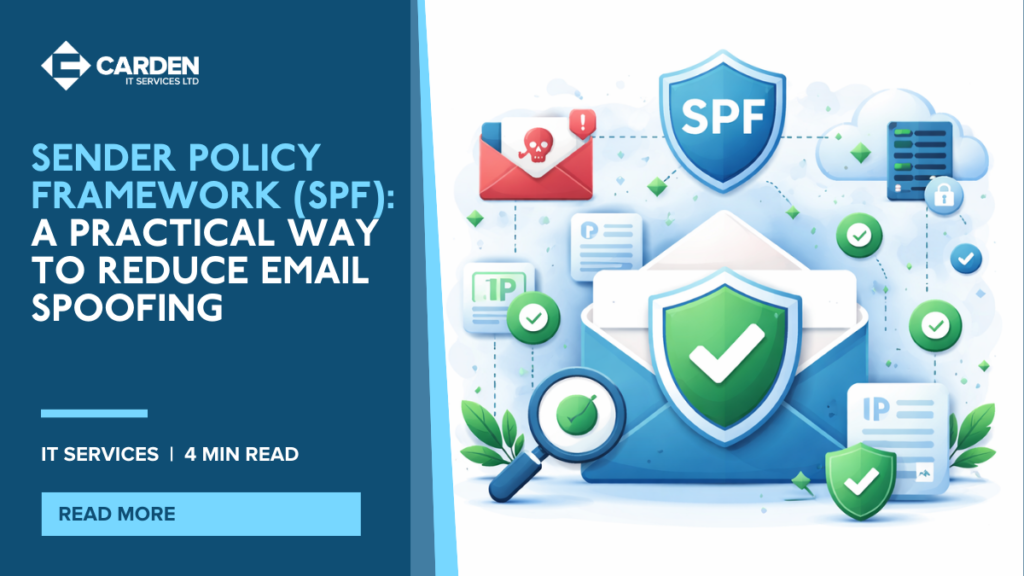
SPF is a system that helps validate email senders and prevent email spoofing. It works by checking whether an incoming email was sent from a server that is authorised to send email on behalf of your domain.
SPF uses a list of authorised senders stored in your domain’s DNS records as a TXT record. When a receiving mail system gets an email claiming to come from your domain, it checks your SPF record to verify whether the sending system is allowed.
Why SPF Is Necessary
Phishing and spam emails frequently use spoofed sender addresses. Spoofing means creating an email that looks like it came from someone else, such as a director, finance team member, or a well-known supplier.
Most people naturally trust what they see in the “From” field. This trust is what attackers exploit to convince recipients to:
- Click malicious links
- Download infected attachments
- Share login details or confidential information
- Make payments to fraudulent bank accounts
SPF helps reduce the likelihood that spoofed email claiming to be from your domain will be accepted as legitimate.
What SPF Helps You Achieve
| Outcome | What It Means | Business Benefit |
|---|---|---|
| Reduced Spoofing | Unauthorised senders are identified | Less risk of domain impersonation |
| Improved Email Trust | Recipients can verify authorised sending systems | More confidence in your emails |
| Better Spam Control | Mail servers can reject or flag suspicious messages | Fewer spoofed spam emails reaching inboxes |
Why SPF Needs to Be Set Up Correctly
SPF can be extremely effective, but it must be implemented carefully. If SPF is configured incorrectly, you may experience:
- Genuine emails being rejected or marked as spam
- Mail delivery issues that are difficult to diagnose
- Ongoing spoofing because key sending services were missed
This is especially common in businesses that use multiple services to send email, such as marketing platforms, ticketing tools, website forms, or third-party mail systems.
How Carden IT Services Helps With SPF
At Carden IT Services, we make SPF implementation straightforward and reliable. Our team defines, deploys, and tests SPF to ensure your legitimate email continues to deliver correctly while reducing spoofing risks.
Our process typically includes:
- Collating all IP addresses and systems used to send email from your organisation
- Listing all domains used for sending (if you use more than one)
- Building a custom SPF record based on your real sending sources
- Publishing the SPF record to your DNS as a TXT record
- Testing and validating your SPF to confirm correct behaviour
SPF is also a key building block of broader email security, alongside other domain protection controls.
Protect Your Domain Reputation and Reduce Email Fraud
SPF is one of the most effective ways to reduce email spoofing and strengthen trust in your domain. When implemented correctly, it helps stop criminals from using your business name to trick people into taking risky actions.
If you want to improve your email security and implement SPF properly, contact Carden IT Services today for a consultation or quote.