Deprecated: mb_convert_encoding(): Handling HTML entities via mbstring is deprecated; use htmlspecialchars, htmlentities, or mb_encode_numericentity/mb_decode_numericentity instead in /home/cardenitservices/public_html/wp-content/themes/hello-elementor-child/functions.php on line 128
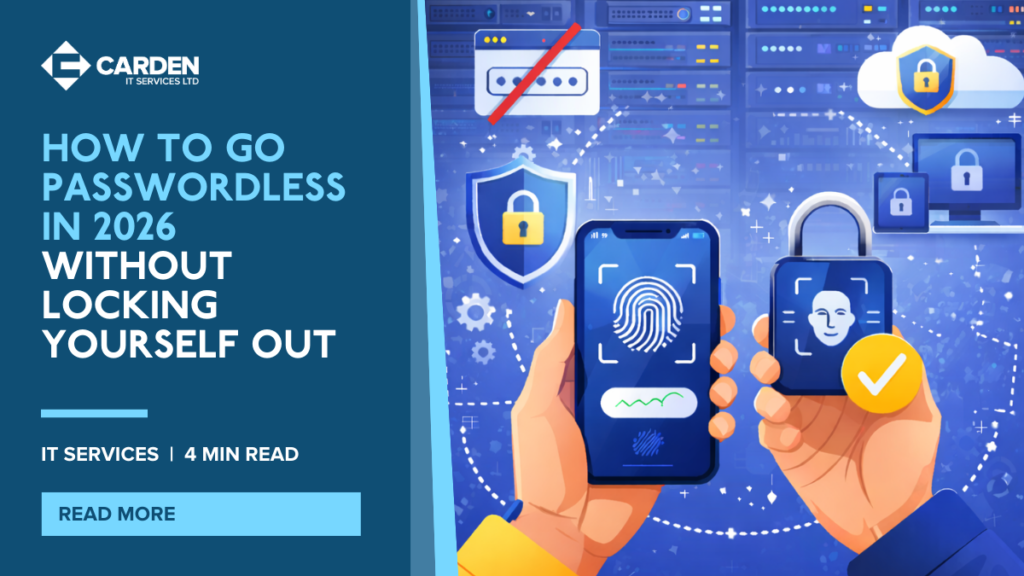
Are you tired of managing countless passwords and dealing with the risks of weak security? In 2026, passkeys are here to make your business more secure and password-free. This guide will explain everything you need to know about transitioning to a passwordless environment and rolling out passkeys in your business.
The Problem with Passwords: Why Passkeys Are Taking Over
We’ve all experienced the frustration of forgetting passwords, reusing the same one across multiple sites, or worse, getting hacked because of weak credentials. Passwords, while essential for years, are starting to show their flaws.
In simple terms, passkeys are a more secure and user-friendly alternative to traditional passwords. Unlike passwords, which can be guessed, stolen, or easily intercepted, passkeys are based on cryptographic principles. This means you’ll never need to enter a password again.
Passkeys are designed to solve several issues associated with traditional passwords. Many people reuse the same password across multiple sites, which makes it easier for hackers to gain access. Additionally, passwords can be intercepted through phishing scams, leading to security breaches. On top of that, managing multiple complex passwords can be overwhelming for everyone in your organisation.
With passkeys, the security risk is significantly reduced. Instead of relying on passwords, passkeys use a combination of your device and a unique cryptographic key for authentication. This method is not only faster and safer but also much more convenient for employees.
How To Rollout Passkeys In Your Ogranisation
Now that you understand what passkeys are, let’s explore how to roll them out across your business. Implementing passkeys in your organisation requires a strategic, phased approach. Here’s a plan that can help your business smoothly transition to passkey use.
- Start by rolling out passkeys to admin accounts. Admins have access to the most sensitive data in your business and act as the first line of defence. Securing these accounts should be your top priority.
- Next, focus on your finance and HR teams. These departments manage sensitive financial and personal employee information, making them a priority after admin accounts.
- Finally, once admins and core teams are using passkeys, extend the rollout to the rest of your organisation. Ensure that every employee is trained on how to set up and use passkeys for all their accounts, including email and software platforms.
By rolling out passkeys in stages, you ensure that your business maintains control over the process while gradually increasing security across the entire organisation.
Why You Need A Device and Access Policy
Before rolling out passkeys, it’s essential to have certain policies and systems in place to ensure a smooth transition. These policies will help safeguard your devices and make it easier to manage access.
- Mobile Device Management (MDM) – Ensure every device, whether mobile or desktop, used by employees is secure and compliant with company policies. This step is critical because passkeys are device-based, meaning only authorised devices should have access to your business systems.
- Recovery Codes – Since passkeys are device-based, set up recovery codes for every employee. These codes act as a backup method to regain access in case an employee loses their device or gets locked out of their account.
- Break-Glass Accounts – Create emergency “break-glass” accounts for your business. These accounts should only be used in the case of a security breach or if something goes wrong with the passkey system.
Having these policies in place will ensure that your business is ready to fully adopt passkeys without compromising security.
The Real-World Risks: Device Loss, Leavers, and Shared Accounts
Like any new security measure, passkeys come with their own set of challenges to manage. Understanding and mitigating these risks is key to ensuring a smooth transition.
- Device Loss – If an employee loses their device, they could potentially lose access to critical systems. This is why it’s essential to have MDM and recovery codes in place.
- Leavers – When an employee leaves your company, their device must be reclaimed and their passkeys disabled immediately to prevent unauthorised access. This step is essential for protecting sensitive company data.
- Shared Accounts – For shared accounts (e.g., generic admin accounts), it’s essential to create a secure system for sharing access, without compromising security. Establishing secure protocols for shared accounts is crucial in maintaining the integrity of your security system.
By addressing these risks, you can minimise potential issues and ensure your passkey rollout remains secure.
Passkey Readiness Checklist
Before implementing passkeys, ensure your business is fully prepared with this free checklist:
| Preparation Step | Action Required |
|---|---|
| MDM System | Do you have MDM in place for all devices? |
| Recovery Codes | Have you set up recovery codes for all employees? |
| Break-Glass Accounts | Do you have break-glass accounts for emergencies? |
| Employee Training | Have you trained employees on how to use passkeys? |
| Rollout Plan | Is your team ready to implement passkeys in stages? |
| Software Compatibility | Have you checked that all software is compatible with passkeys? |
| Backup Methods | Have you secured backup methods like biometric verification for devices? |
By reviewing this checklist, you’ll ensure that your business is fully prepared for a smooth transition to passwordless authentication.
Ready To Go Passwordless?
In summary:
- Passkeys provide a secure, password-free solution for logging into business accounts.
- Implement passkeys by first rolling them out to admin accounts, then finance/HR teams, and finally to everyone.
- Ensure MDM, recovery codes, and break-glass accounts are set up before the rollout.
- Train your employees on how to use passkeys, and address device loss, leavers, and shared accounts.
If your goal is to secure your business accounts for the future and move to a passwordless system, passkeys are the way to go. With the right policies and training in place, you can seamlessly integrate passkeys into your business operations.
Need assistance with setting up passkeys or ensuring your security policies are in place? Contact us today, and we’ll guide you through the process.