
The problem it solves
Most businesses build up data that they are legally or operationally required to keep, even if it is rarely accessed.
This often includes:
- old contracts
- archived invoices
- legacy project files
- email archives from staff who left years ago
This data still needs to be stored somewhere, but it does not need to sit in the same place as the files your team is actively using every day.
Standard cloud storage, such as OneDrive, SharePoint, or active server storage, is priced for regular access. If you are paying those rates for data you have not touched in two years, you are paying more than you need to.
How Azure cold storage works
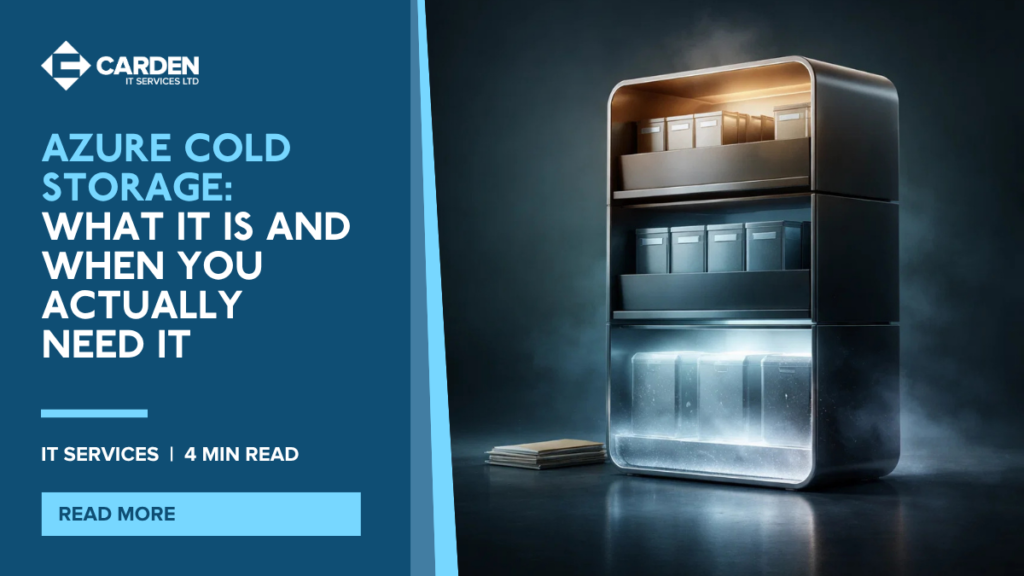
Azure offers tiered storage designed for infrequently accessed data. Two tiers are most relevant to SMEs:
A. Cool Tier
Lower cost than standard storage. Best suited to data you access occasionally, perhaps once a month or less. Retrieval is fast when you do need it. A good middle ground for data that is not actively used but may be needed without much notice.
B. Archive Tier
Very low storage cost. Best suited to data you almost never need to retrieve, such as regulatory records, old financial data, and long-term archives. The trade-off is retrieval time: archived data takes several hours to rehydrate before you can access it. Not suitable for anything you might need urgently.
⚠️ Important distinction
Cold storage is an archiving solution, not a backup. It does not protect you from accidental deletion or ransomware. Your data backup and disaster recovery strategy should remain separate, properly configured, and regularly tested. Cold storage and backup serve different purposes and should not be confused.
In practice: what this looked like for one of our clients
One of our clients came to us with a familiar problem. They had accumulated just over 3TB of data across their business, sitting in a single storage environment with no distinction between files the team uses every day and files that had not been opened in three years. They were paying the same storage rate for all of it.
We worked through their data with them and split it into three categories. Actively used files, documents, and shared data were kept in standard cloud storage, where access is instant, and performance is unaffected. Data that is accessed occasionally but still has operational value, such as project archives from the past 18 months and supplier correspondence, was moved to the Cool tier. Data that must be retained for legal or compliance reasons but is unlikely to ever be retrieved, including older financial records and archived client files beyond their active period, was moved to the Archive tier.
The result is that the same 3TB of data is now distributed across three tiers based on how it is actually used. The client is no longer paying premium storage rates for files they have not touched in years, their live environment is cleaner and faster to navigate, and their retention obligations are met without the overhead. The 3TB figure did not shrink, but the cost of storing it did!
Quick actions this week
- Identify categories of data your business must retain but rarely accesses – Contracts, invoices, old project files, archived email.
- Ask your IT provider whether tiered archiving would reduce your storage costs – Savings vary by volume, but the conversation is always worth having.
- Confirm your backup and disaster recovery plan is separate from any archiving solution – And that it is being tested regularly.
Get in touch about Azure Cloud Storage
If you would like help mapping your data retention requirements or understanding how Azure storage tiers could reduce your costs, get in touch with Carden IT Services.